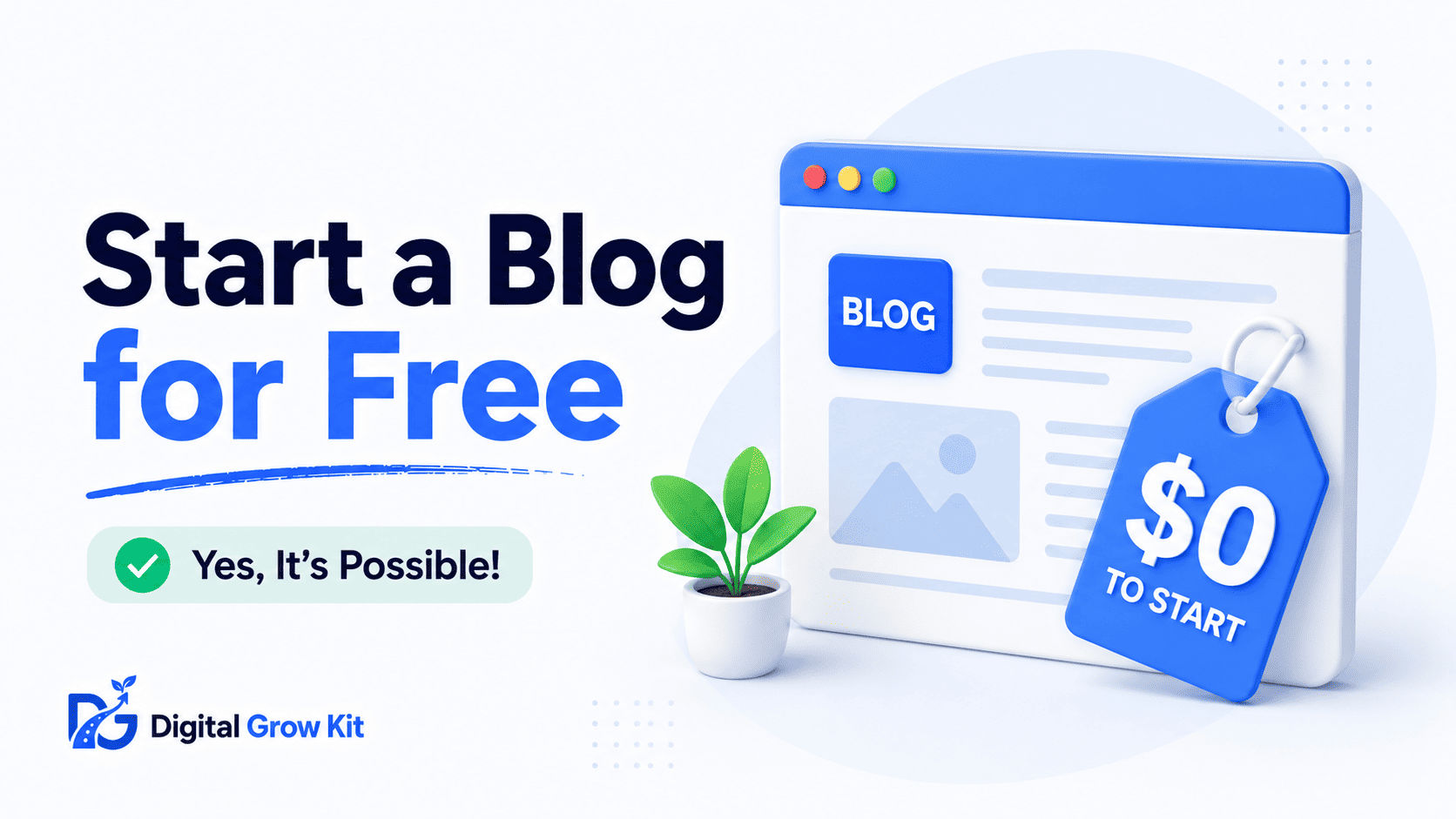
“I want to start a blog, but I don’t have money to spend on it.” If that’s what’s going through your head right now, you’re not alone — and yes, it’s actually possible. This guide skips the confusing tech talk and shows you exactly how to do it, step by step, from zero.
Can You Really Start a Blog for Free?
| Term | Meaning |
| Free blog | A blog hosted on a platform that costs nothing to start, though it usually comes with limits on design, storage, or branding. |
Short answer: yes. You can start a blog (a website where you regularly publish articles or posts about a topic you care about) without spending a single cent. There are platforms built specifically to let you do this.
Here’s the thing, though. “Free” doesn’t mean “no trade-offs.” Free blogging platforms usually limit what your blog can look like, how much you can customize it, and sometimes even show ads that you don’t control. You’re not paying with money, but you are paying with flexibility.
That’s not a bad deal when you’re just starting out. Most beginners don’t need a perfect, fully branded website on day one. They need a place to start writing, learn what blogging actually feels like, and figure out if they even enjoy it. A free blog is more than good enough for that. Read more about what a blog actually is if you’re still getting familiar with the basics.
So the real question isn’t “can I start for free” — it’s “should I start for free.” For most beginners, the answer is a confident yes, at least for now.
What Are the Best Free Blogging Platforms?
| Term | Meaning |
| Blogging platform | The software or website builder you use to create and publish your blog posts online. |
Not every free platform is worth your time. Some are outdated, some are cluttered with ads, and some make it hard to move your content later if you decide to upgrade. Here are the ones that actually hold up.
| Platform | Custom Domain Support | Ads Shown | Storage Limit | Best For |
| WordPress.com (Free Plan) | No (unless upgraded) | Yes, WordPress ads | 1 GB | Beginners who may want to upgrade later |
| Blogger | Yes (limited setup) | No forced ads | Unlimited (Google-hosted) | Simple, no-frills blogging |
| Medium | No | No | Unlimited | Writers focused on articles, not branding |
WordPress.com’s free plan is a solid starting point because it uses the same system as self-hosted WordPress (a version of WordPress you fully own and control, explained more below), so switching later feels familiar instead of starting from scratch.
Blogger is Google’s own free platform. It’s been around for a long time, it’s simple to use, and it doesn’t force ads onto your page. The trade-off is that it feels a bit dated and offers fewer design options.
Medium works differently. Instead of building your own branded blog, you’re publishing on a shared platform where other people can discover your writing. It’s great for building an audience quickly, but you don’t fully own your content the way you would on your own site.
What Are the Limits of a Free Blog?
| Term | Meaning |
| Free plan limitations | The restrictions that come with a no-cost blogging plan, such as branding, storage, or monetization limits. |
Before you jump in, it helps to know what you’re actually signing up for. Free blogs come with a few common catches.
First, your web address usually won’t look professional. Instead of yourblog.com, you’ll get something like yourblog.wordpress.com or yourblog.blogspot.com. It works, but it doesn’t look as polished, and it can be harder for people to remember or trust.
Second, storage space is usually capped. You might only get a limited amount of space for images and files, which becomes a problem once you’re publishing regularly.
Third — and this one matters a lot if your goal is passive income — some free platforms restrict how you can monetize your blog. You may not be allowed to run your own ads or promote affiliate links freely, since the platform wants to keep that control (and that income) for itself.
None of this means free blogging is a mistake. It just means free is a starting point, not a permanent home. This breakdown of starting a blog with zero budget goes deeper into the money side of things if that’s your main concern right now.
How Do You Start a Free Blog, Step by Step?
| Term | Meaning |
| Publishing a blog post | Making your written content live on the internet so visitors can read it. |
This is where things get practical. Follow these steps in order, and you’ll have a live blog by the end.
Step 1: Choose your platform. Pick WordPress.com or Blogger based on what matters more to you — familiarity for future growth (WordPress.com) or simplicity (Blogger).
Step 2: Sign up with an email address. Most platforms only need an email and a password to get you started. No credit card, no payment details.
Step 3: Pick your blog name. This becomes part of your free web address, so keep it short and easy to spell. If you’re unsure where to begin here, figuring out your niche first makes naming much easier.
Step 4: Choose a simple design. Free platforms offer basic templates called themes (pre-made designs that control how your blog looks). Pick something clean and easy to read. Don’t overthink this part — you can always change it later.
Step 5: Write and publish your first post. This is the step most beginners freeze on. Don’t aim for perfect. Aim for published. Write something helpful, hit publish, and let it exist. Your first post will not be your best post, and that’s completely normal.
Step 6: Set up basic settings. Add a short bio, a simple description of what your blog is about, and check your privacy settings so your blog is visible to search engines like Google.
That’s it. Those six steps are genuinely all it takes to go from “I want to start a blog” to “I have a blog.”
When Should You Upgrade From Free to Paid?
| Term | Meaning |
| Self-hosted blog | A blog where you own the hosting and domain yourself, giving you full control over design, features, and monetization — unlike a free hosted blog. |
Free is great for testing the waters. But at some point, most bloggers who stick with it choose to upgrade. Here’s how to know when that point has arrived.
If you’re publishing consistently and starting to take your blog seriously, a custom domain name (yourblog.com instead of yourblog.wordpress.com) makes a big difference in how professional and trustworthy your site looks.
If you’re hoping to earn money through ads or affiliate links, a self-hosted blog usually gives you far more freedom. You’re not sharing revenue or following someone else’s monetization rules.
And if you want more control over design, plugins, and features, self-hosting opens up options that free platforms simply don’t offer.
There’s no rush here. Plenty of successful bloggers spent months on a free platform before upgrading. The goal is to move when it makes sense for you, not before you’re ready. Google Search Console, a free tool from Google, can help you track how your posts are performing on either a free or self-hosted blog, so it’s worth setting up regardless of which path you take.
Important FAQs
Is it really possible to start a blog for free? Yes. Platforms like WordPress.com and Blogger let you create and publish a blog without spending any money.
What is the catch with free blogging platforms? The main catches are a less professional web address, limited storage, and sometimes restricted monetization options.
Can you make money from a free blog? It’s possible, but often limited. Some platforms restrict ads or affiliate links, so many bloggers upgrade to a self-hosted setup once they’re ready to monetize seriously.
Do free blogs show ads on your site? Some do. WordPress.com’s free plan, for example, may show its own ads on your blog, which you don’t control or profit from.
Can you get your own domain name on a free blog? Usually not fully. You’ll typically get a subdomain like yourblog.wordpress.com instead of yourblog.com, unless you upgrade.
How do you move from a free blog to a paid one later? Most platforms, especially WordPress.com, make this fairly simple. You can upgrade your existing account or export your content to a self-hosted setup.
What to Do Next
Starting a blog for free removes the biggest excuse most people have: money. Pick a platform from this guide, sign up today, and publish something — even something small. The blog that changes everything for you starts with one post, not a perfect setup. This step-by-step beginner’s guide walks you through the full process in even more detail if you want to keep going right after this.