
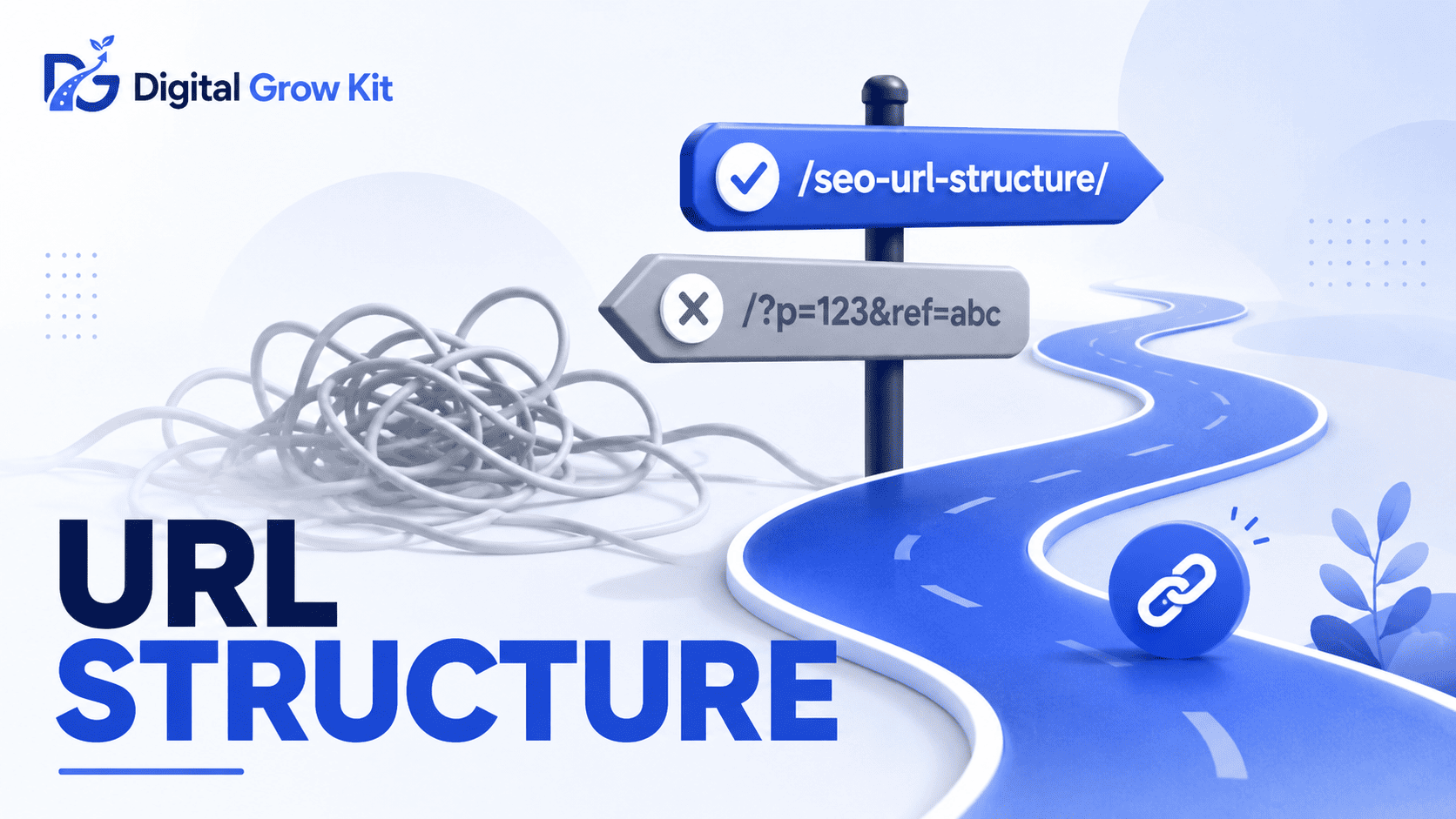
You hit publish on a blog post, feeling proud. Then you look at the actual link — something like yoursite.com/?p=4728 — and it feels wrong, even if you can’t say why. Most SEO advice skips right past this and jumps straight into keyword tricks, leaving beginners to guess. Digital Grow Kit does things differently here: no jargon, no assuming you already know what a “clean URL” even is, just a clear walkthrough of what to actually do with your links from here.
What Is URL Structure in SEO?
| Term | Meaning |
| URL structure | The way the words, folders, and characters in a web address are organized and arranged. |
A URL is simply the web address of a page — the line you see at the top of your browser. URL structure is how that address is built: which words it uses, how those words are separated, and whether the page sits directly under your homepage or buried inside several folders.
Think of a URL like a street address. A clear address gets a delivery driver to the right door fast. A confusing one, full of random numbers and no real information, slows everything down. Search engines and readers both act a bit like that delivery driver. A well-structured URL tells them exactly what the page is about before they even click on it.
For what is SEO, URL structure is one of the smaller technical pieces. It won’t single-handedly get a page to rank. But it removes friction, and friction is something every beginner blog can’t afford to have.
Why Does URL Structure Matter for SEO?
| Term | Meaning |
| Click-through rate | The percentage of people who click a link after seeing it, such as in Google search results. |
Here’s the thing — URL structure matters for three separate reasons, and beginners usually only hear about one of them.
First, it helps search engines understand the page. A URL like yoursite.com/how-to-make-cold-brew-coffee tells Google, in plain text, what the page covers. A URL like yoursite.com/post-4521 tells Google nothing at all.
Second, it affects trust and click-through rate. When someone sees a search result with a clean, readable URL underneath it, that page feels more trustworthy than one with a string of numbers and symbols. People are more likely to click something that looks like it was made with care.
Third, it makes on-page SEO easier across the board. A clean URL structure keeps your whole site organized, which makes it simpler to plan internal links, group related posts, and avoid duplicate content down the line.
None of this means URL structure alone will make a page rank. But a messy URL is one more small signal working against you, and clean ones are genuinely easy to get right from day one.
What Makes a URL Structure “Good” vs “Bad”?
| Term | Meaning |
| Clean URL | A short, readable web address made up of real words instead of random numbers or symbols. |
Seeing the difference side by side usually makes this click faster than any explanation.
| Bad URL | Good URL | Why |
| yoursite.com/?p=4728 | yoursite.com/url-structure-best-practices | Uses real, readable words instead of a random ID number |
| yoursite.com/blog/2023/06/12/best-blogging-tips-for-beginners-who-want-to-start-today | yoursite.com/blogging-tips-for-beginners | Cuts unnecessary length and drops the date |
| yoursite.com/Best_Coffee_Makers!! | yoursite.com/best-coffee-makers | Removes special characters, capital letters, and underscores |
Notice the pattern. Good URLs are short. They use plain words. They avoid symbols, capital letters, and anything that looks auto-generated. Bad URLs tend to be long, cluttered, or full of characters that mean nothing to a human reader.
How Should You Structure URLs for Blog Posts?
This is the part beginners actually need a checklist for, so here it is, one step at a time.
Use the Target Keyword
The main keyword for the post should appear in the URL. If the post is about how to choose a blog niche, the URL should include those words, not a vague label like “post-1.” This tells both readers and search engines exactly what to expect.
Keep It Short
Aim for around three to five words. Longer URLs are harder to read, harder to share, and often get cut off in search results. If the blog post title is long, the URL doesn’t need to match it word for word — it just needs to capture the core topic.
Use Hyphens, Not Underscores
Words in a URL should be separated with hyphens, like best-coffee-makers, not underscores, like best_coffee_makers. Search engines read hyphens as spaces between separate words. Underscores can sometimes get read as one long joined-up word instead, which makes the page harder to understand.
Use Lowercase Letters Only
Capital letters can create duplicate versions of the same page in some systems, since Blog-Post and blog-post can technically be treated as two different addresses. Sticking to lowercase avoids that problem completely.
Avoid Dates and Numbers
A URL like yoursite.com/2023/06/best-tools locks the page to a specific time period, even if the content itself stays useful for years. Skip dates and post ID numbers whenever possible, so the link stays accurate no matter when someone finds it.
Drop Unnecessary Stop Words
| Term | Meaning |
| Stop words | Small common words like “the,” “and,” “of,” or “a” that add little meaning on their own. |
Words like “the,” “of,” “a,” and “and” can usually be removed without losing any clarity. “Best Way to Start a Blog” can become best-way-start-blog without confusing anyone.
How Should Category and Folder URLs Be Structured?
| Term | Meaning |
| URL folder | A section of a web address that groups related pages together, shown as text between slashes. |
Once a site has more than a handful of posts, the question of folders comes up. Should a post live at yoursite.com/post-name, or somewhere deeper, like yoursite.com/category/subcategory/post-name?
A flat structure keeps posts close to the homepage, with as few folders as possible. A nested structure organizes posts into categories and subcategories, creating a deeper folder path.
| Structure | Pros | Cons |
| Flat | Shorter URLs, simpler for beginners, easy to manage | Can feel less organized on very large sites |
| Nested | Groups related content clearly, useful for big sites | Longer URLs, more setup, easier to get wrong early on |
For most beginner blogs, a flat structure works better. It’s simpler to maintain, keeps URLs short, and avoids the common mistake of nesting posts three or four folders deep before the site even has enough content to need that kind of organization. Nested structures make more sense later, once a site has grown into dozens of posts across clearly separate topics.
What Common URL Mistakes Do Beginners Make?
| Term | Meaning |
| URL slug | The final part of a web address that identifies one specific page, usually the words after the last slash. |
A few mistakes show up again and again on new blogs, and every one of them is easy to avoid once it’s been pointed out.
Changing a URL slug after a post has already been published and shared is one of the biggest. Once a link is live, other pages, search engines, and readers start pointing to that exact address. Change it without a plan, and all of that gets broken.
Using special characters like question marks, exclamation points, or ampersands is another common one. These characters can confuse browsers and search engines, and they rarely add anything useful.
Stuffing the keyword in more than once — something like yoursite.com/best-coffee-best-coffee-makers-review — is a mistake too. It doesn’t help rankings and just looks cluttered.
Duplicate URLs pointing to nearly identical content is a quieter issue, but a real one. If two different pages target the same topic with barely any difference between them, search engines can struggle to decide which one to show, and both may end up ranking worse as a result.
How Do You Fix or Change a URL Without Hurting SEO?
| Term | Meaning |
| 301 redirect | A permanent instruction that automatically sends visitors and search engines from an old URL to a new one. |
Sometimes a URL genuinely needs to change — maybe it was set up poorly from the start, or the topic has shifted. Changing it isn’t the problem. Changing it without a redirect is.
A 301 redirect tells browsers and search engines, “This page has permanently moved here instead.” Anyone who clicks the old link, or any old backlink pointing to it, gets sent straight to the new one. Most WordPress SEO plugins, including Rank Math, make setting up a redirect a simple, guided process rather than something technical.
The safest approach is this: only change a URL when there’s a real reason to, set up a 301 redirect the moment it’s changed, and avoid making a habit of editing slugs just for small wording preferences. A page that’s ranked well for months carries real value in its existing link — that’s worth protecting.
Important FAQs
What is the ideal length for a URL?
Somewhere around three to five words works best for most blog posts. Short enough to read at a glance, long enough to still describe the topic clearly.
Should I use hyphens or underscores in a URL?
Hyphens. Search engines read hyphens as spaces between words, which makes the URL easier to understand. Underscores don’t get read the same way and can cause the words to blend together.
Can I change my URL after publishing without hurting my rankings?
It’s possible, but it carries risk. Any change should be paired with a 301 redirect from the old URL to the new one, so visitors and search engines land in the right place instead of hitting a broken link.
Should URLs include numbers or dates?
Generally, no. Dates tie a URL to a specific time period, which can make evergreen content look outdated even when it isn’t. Random ID numbers add nothing useful for readers or search engines.
Does URL structure really affect Google rankings?
On its own, it’s a small factor. But clean URLs support other parts of SEO — like click-through rate and site organization — which makes them worth getting right, even if they’re not the single biggest ranking factor.
Should I include stop words like “the” or “and” in my URL?
Usually not necessary. Words like “the,” “of,” and “and” rarely add meaning to a URL, and removing them keeps the link shorter and easier to read.
Take five minutes today and open two or three of your own published posts. Check each URL against what’s covered here — short, lowercase, hyphenated, keyword-included, no unnecessary dates or numbers. Small fixes now save bigger headaches later.